
Free · Windows 10 and 11 · works offline
Antidrot — gaming time limits without the drama
Blocks the screen, lets the eyes rest. Antidrot is for parents who are tired of “just one more match”: it puts a break window on top of the game, and you give out play time, breaks and a total limit with a one-time key — from your computer or from Telegram. Nothing in the game breaks: your child has time to save and leave the match.
- No spying on your child
- Works with any game
- One .exe file
- a.k.a. Antizadrot
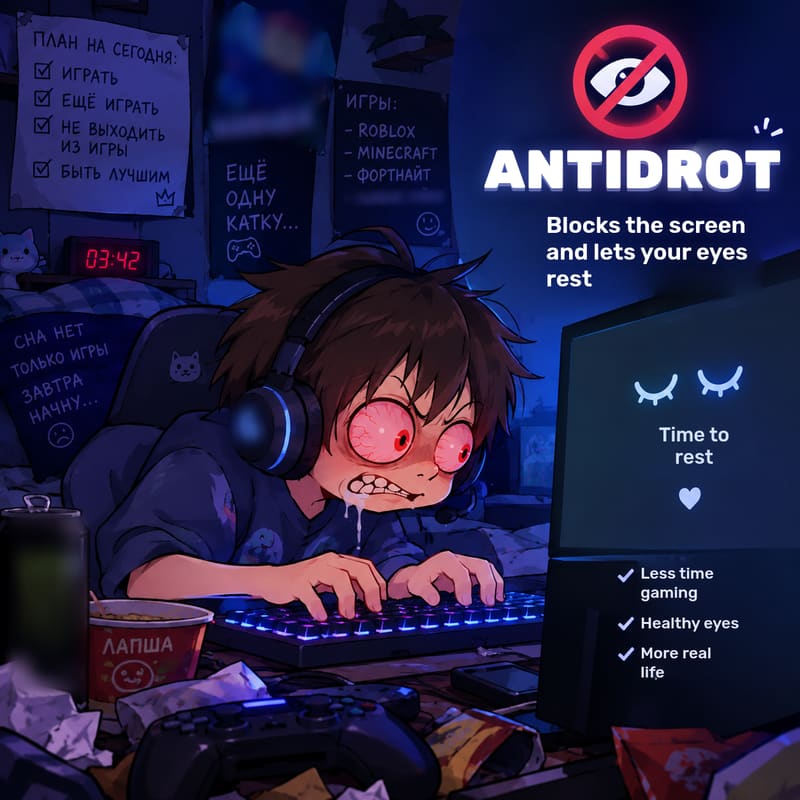
Antidrot is an agreement you can see on the screen
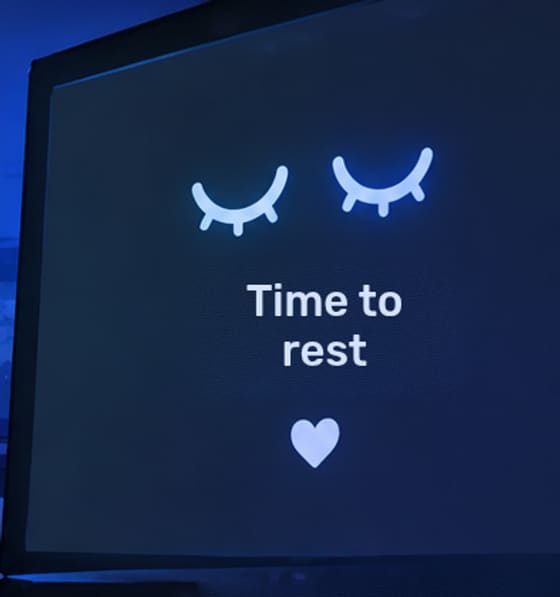
Antidrot is a free time-based parental control app for PC games on Windows 10 and 11. On a timer, it shows a small break window on top of all other windows, games included. While the window is up, it's break time: stand up, stretch, let the eyes rest. When the break is over, your child presses “Continue” and keeps playing — until the total limit you set runs out.
Time is given with an access key. The key is tied to the one-time code on your child's screen, so it can't be faked, passed on to a friend or used twice. You can get a key in the in-browser key generator or in the Telegram bot — even from work.
- The window takes up no more than a quarter of the screen, sits in the center and can't be minimized or dragged away.
- The window doesn't steal focus: the game can be paused instead of abandoned mid-match.
- No spying: the program sends nothing anywhere and works without internet.
“Just one more match” — and suddenly it's midnight
Games are built to keep you playing: an online match has no pause button, Minecraft has no ending, and “five more minutes” stretch into an hour. Antidrot doesn't nag and doesn't yank the plug — it simply reminds at the right moment.
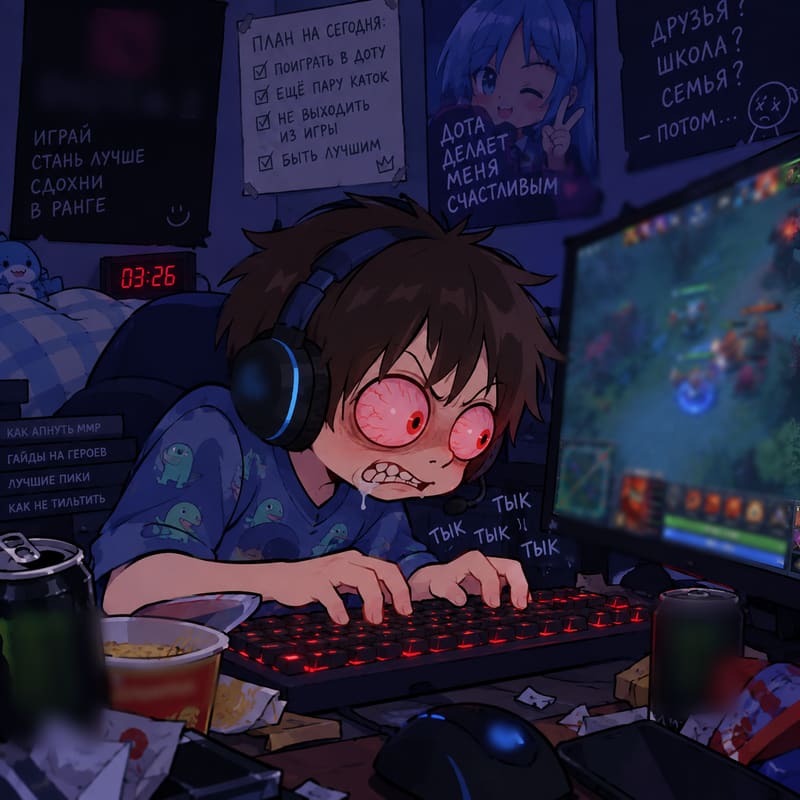
Today's plan
- Play
- Play some more
- Never, ever log off
- Become a legend
The Antidrot plan
- An hour of play — fair and stress-free
- 10-minute break: eyes, water, a quick stretch
- “Continue” — and back into the game
- Homework, fresh air and bedtime on time
Four steps to put gaming time under control
Setup takes a couple of minutes. After that, you simply hand out keys whenever your child asks to play.
Download and install
Run the installer from a USB flash drive — it sets everything up itself. Right after installation the program shows an 8-character master key — save it in the bot or a password manager.
The window waits for a key
Until time is given, the window stays on top of everything. It shows a one-time code of 4 red characters.
Give time
Use the code in the generator or in Telegram to get a key such as
3600.600.14400.C8FCE983: an hour of play, a 10-minute break, 4 hours in total.Play ↔ break
The window hides during play time and comes back for the break. After the break — “Continue”. Once the limit is used up, the window waits for a new key.
Strict about time, gentle with kids
On top of any game
Windowed, borderless and fullscreen modes. A game in exclusive fullscreen mode is minimized once so the window can be seen.
Doesn't break the game
The window doesn't steal focus or block input: pause, save or finish the round.
Timed gaming breaks
Play and breaks alternate automatically until the total limit runs out. A countdown shows the time left until unlock.
The “Continue” button
After a break, the window waits for confirmation. Went to grab a cup of tea? The play time isn't lost.
One-time keys
Each key is tied to the code on the screen: it can't be faked, its numbers can't be rearranged and it can't be reused.
From your phone
Telegram bot and mini app: keys, history, several computers, access for a second parent.
No spying
Collects no data, takes no screenshots, reads no messages. Works without internet.
Easy setup
The installer runs from a USB flash drive and sets everything up itself; no internet and no third-party libraries.
All the time in a single line
A key is three numbers in seconds plus a signature. The signature is calculated from the master key and the one-time code on the screen, so the key works only on this computer and only for this particular appearance of the window.
- 3600 seconds of play — 1 hour, window hidden
- 600 seconds of break — 10 minutes, window on screen
- 14400 seconds in total — a 4-hour total limit
- C8FCE983 signature — protects against forgery
Give play time from your phone — wherever you are
Your child sends you the code from the screen, you reply with a key. The bot stores your master keys and remembers who gave time and when.
- Several computers — each with its own master key and its own history.
- A second parent gives keys from their own phone without seeing the master key.
- Child access: your child gets a key on their own during allowed hours, with the time you set.
- Export and import of keys, plus a mini app right inside Telegram.
How Antidrot differs from an ordinary timer
To be fair, every approach has its strengths. Antidrot shines where you need breaks without a war, not a total ban.
| What matters | Antidrot | Timer or alarm clock | Built-in Windows parental controls |
|---|---|---|---|
| Reminder is visible on top of the game | Yes | No, sound only | It depends |
| Can finish the round and save | Yes | Yes | Not always |
| Regular breaks within the limit | Yes, automatically | Manually | No |
| Time can be given from a phone | Yes, via Telegram | No | Yes, via the app |
| Requires a Microsoft account and internet | No | No | Yes |
| Hard lock that can't be bypassed | No — it's an agreement | No | Stronger |
We don't promise “impossible to bypass”
Antidrot is not spyware and not a prison. It works when there's an agreement in the family, and we say plainly what it doesn't do.
- It doesn't hide its process: it can be ended in Task Manager.
- After a restart the total limit is reset: your child finishes the current period, then a new key is needed.
- It doesn't show the window on the lock screen or over UAC prompts — Windows itself doesn't allow that.
- It doesn't encrypt or hide its settings file.
How to make the limits stronger
- A separate account for your child without administrator rights.
- Rules you write down together: a family screen time agreement.
- Openness instead of spying: if your child bypasses parental controls.
Frequently asked questions about Antidrot
What is Antidrot?
Antidrot (also nicknamed Antizadrot) is a free program for Windows 10 and 11 that shows a break window on top of games on a timer. The parent sets play time, breaks and the total limit with a one-time access key — in the key generator on the website or in the Telegram bot.
Is Antidrot free?
Yes. The program is free. You download an installer that runs from a USB flash drive and sets everything up itself.
Does Antidrot block the game?
No. The break window sits on top of the game but doesn't take over control: your child can pause the game, save or finish the round. It is a reminder and an agreement, not a forced shutdown of the game.
How do I give my child time?
The program window shows a one-time code of 4 red characters. Enter it together with your master key and the time in the key generator on the website or in the Telegram bot to get an access key like 3600.600.14400.C8FCE983. Your child enters the key in the window and clicks “Unlock”.
Does Antidrot work over fullscreen games?
Yes. In windowed and borderless mode the window simply appears on top of the game, and a game running in exclusive fullscreen mode is minimized once before the window is shown, so that the window can be seen.
Does it need an internet connection?
The program doesn't: it works completely offline. The key generator on the website also calculates the key right in your browser. Only the Telegram bot on the parent's phone needs internet.
Does Antidrot spy on my child?
No. The program doesn't collect or send any data, take screenshots, read messages, intercept the keyboard or hide from the user.
Can Antidrot be bypassed?
Yes, with some effort: the process can be ended in Task Manager. Antidrot is designed for an honest family agreement; for strict restrictions, combine it with a child account without administrator rights.
What happens after the computer restarts?
The next time the program starts, the total limit is reset to zero: your child can finish the current play period, and after the break the window stays on screen until a new key is entered.
Are Antizadrot and Antidrot the same thing?
Yes, it is the same program. “Antizadrot” is its jokey second name; the main one is Antidrot.
For parents — no scaremongering
31 articles on how much gaming is OK, how to protect eyes and sleep, and how to agree on gaming rules with your kids.
How to Limit Your Child's Gaming Time on a PC: Every Method and How to Choose
Every way to limit a child's gaming time on a Windows PC: agreements, timers, Family Safety, launchers and apps. A comparison table and tips on choosing.
ParentsHow Much Should Kids Play Video Games? WHO and Pediatrician Advice by Age
How much gaming time is right for kids: what WHO and pediatricians advise, practical guidelines by age, and how to turn them into play, break and total limits.
HealthThe 20-20-20 rule: a simple way to protect your child's eyes at the computer
What the 20-20-20 rule is, why it eases eye strain during gaming and study, how to build the habit in your child, and how to pair micro-breaks with long breaks.
GamesDota 2 and Kids: Count Playtime in Matches, Not Minutes
Why a Dota 2 match can't be dropped halfway, how to count your child's playtime in matches, how to set Antidrot for 1–2 matches with a break, and handle tilt.
Antidrot guidesAntidrot Access Keys: How to Give Your Child Gaming Time
What an Antidrot access key is made of, how to convert hours to seconds, how to give time with the key generator or Telegram bot, and why a key can't be faked.
ParentsGaming Addiction in Teens: How to Tell a Passion from a Problem
How to tell a love of gaming from gaming addiction: signs of gaming disorder in ICD-11, red flags, what parents can do and when to see a psychologist.
Try it tonight
Download Antidrot, save your master key and give the first hour of play. If it's not for you, close the program with the master key and delete its file and the settings file next to it.